

$1.68
1 in stock
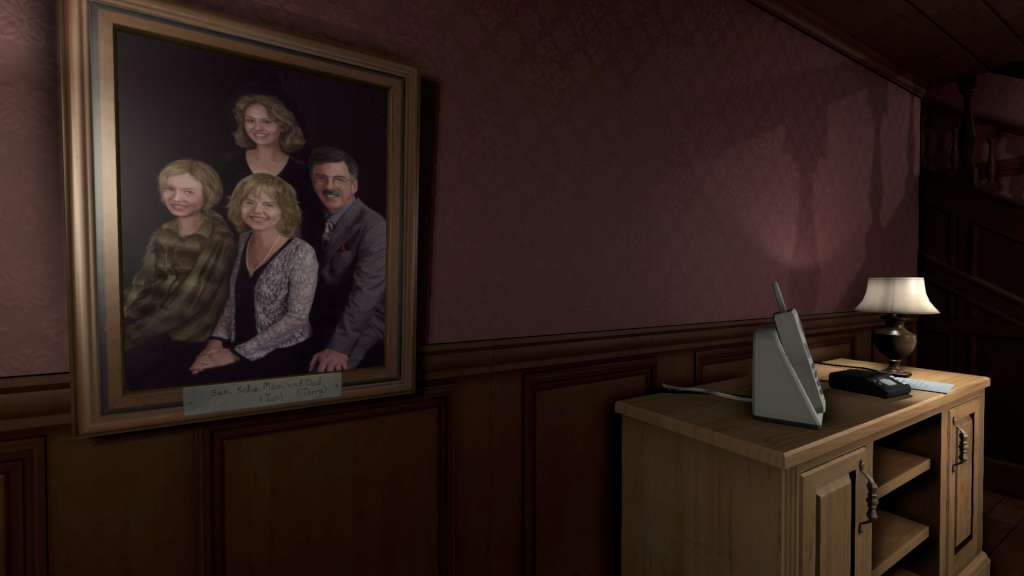
Gone Home – Soundtrack DLC Steam CD Key Platform: Steam Release Date: 14/07/2015 Product Description Requires Gone Home on Steam in order to use. The Gone Home Original Soundtrack (GH:OST) is all the original compositions created by Chris Remo for the game Gone Home, in convenient MP3 format! Songs will be placed in a subfolder of your Gone Home Steam install directory: …SteamsteamappscommonGoneHome Features 1. See You Soon 00:59 2. At the New House/First Day of School 01:22 3. Hanging Out with Girls/Dealing with Roots 00:48 4. Default Friends/Ship Date 01:25 5. Stick with the Group 00:54 6. The House, Part 1 (Original) 02:55 7. The Nunnery 00:57 8. A Very Long Phase/Getting Lonnie 01:16 9. Daniel 00:51 10. Just Gone 00:54 11. The House, Part 2 (Original) 02:54 12. Dedication 01:04 13. Life Moves On 01:04 14. In the Attic 00:54 15. I Said Yes 01:23 16. I’ll See You Again 00:53 17. The House, Part 1 (In-Game) 05:49 18. The House, Part 2 (In-Game) 05:49 System Requirements PC System Requirements WindowsXP SP2 or higher 1.80GHz Processor 2GB Memory Video card with 512MB of VRAM (NOTE: Intel HD Graphic 4000 NOT CURRENTLY SUPPORTED on Windows 8) 2GB HDD space Mac System Requirements OS X v10.7 Lion or higher 1.80GHz Processor 2GB Memory Video card with 512MB of VRAM 2GB HDD space Linux / SteamOS System Requirements glibc 2.11 or newer 1.80GHz Processor 2GB Memory Video card with 512MB of VRAM 2GB HDD space
| Genres | Adventure, Indie, Music / Soundtrack |
|---|---|
| Platform | Steam |
| Languages | Arabic, Bulgarian, Chinese, Czech, Danish, Dutch, English, Finnish, French, German, Greek, Hungarian, Italian, Japanese, Korean, Norwegian, Polish, Portuguese, Portuguese – Brazil, Romanian, Russian, Spanish, Swedish, Thai, Turkish, Ukrainian |
| Steam | Yes |
| Age rating | PEGI 16 |
| Regional limitations | 3 |

Reviews
There are no reviews yet.