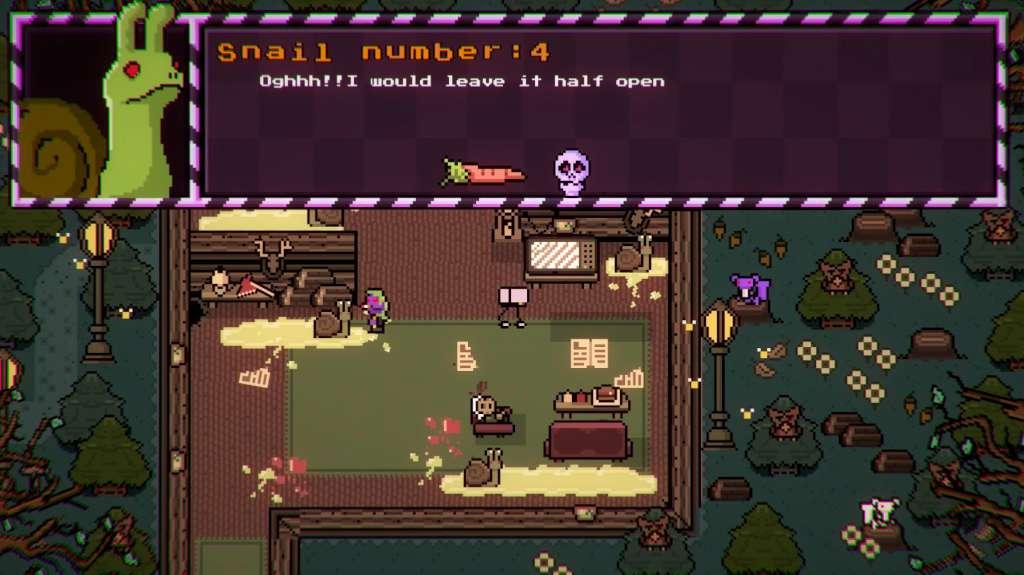
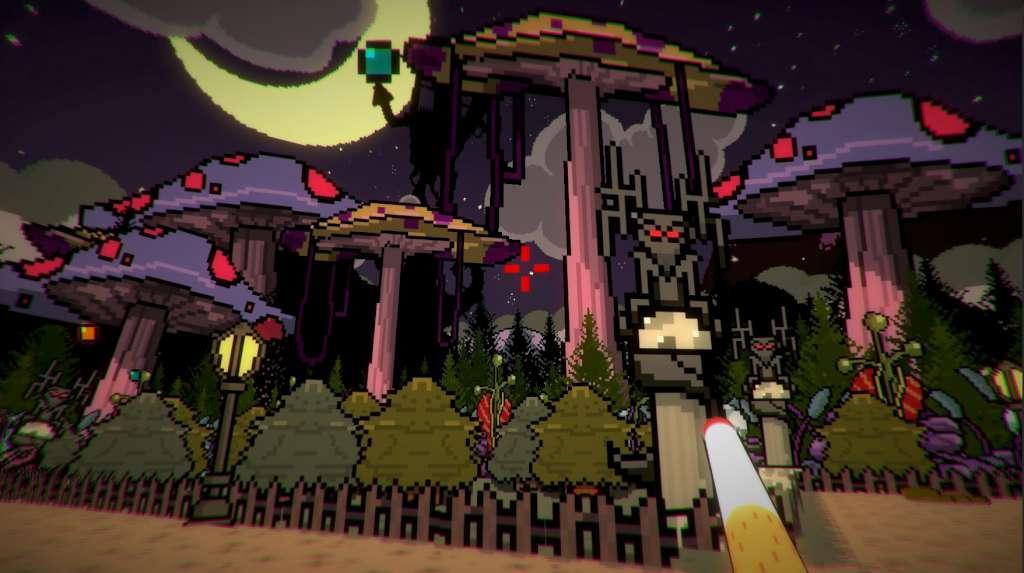
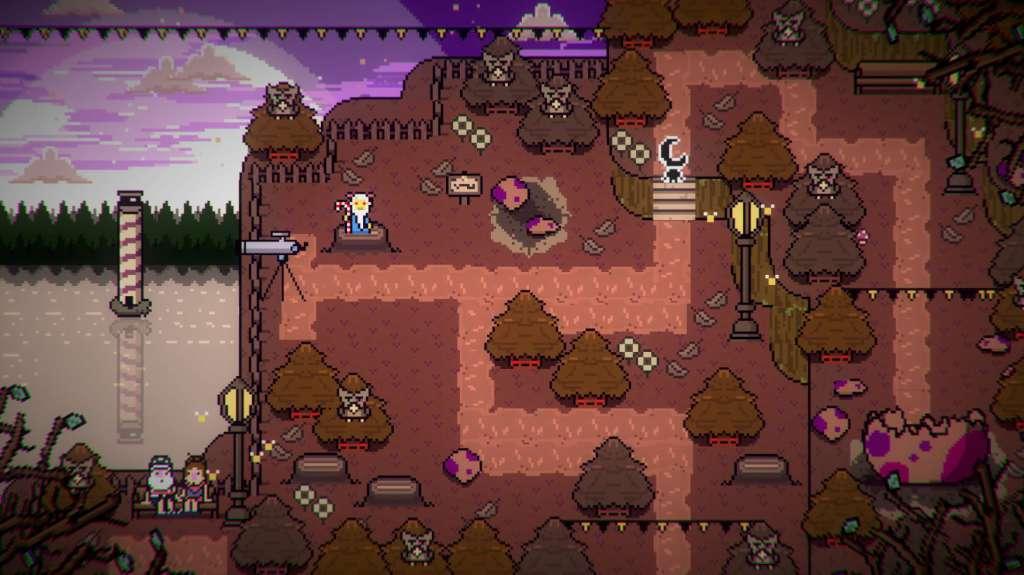
The town of Flamingo’s Creek is a place that appears every 25 years in Albatross Road, a neighborhood that only appears in nightmares.Follow the FBI agent Watracio Walpurgis in his adventures trying to scape from this eerie and gooey village. Meet stranges and paranoids inhabitants, brake up your brain to solve puzzles in the most hilarius and surrealistic situations, defeat the Wendigo, get mad with cosmic laser chickens, scape from monsters that went out by the night to search ufos to eat, discover thousands of secrets…Discover Baobab’s Mausoleum, a retro point and click adventure in J-RPG format that you will never forget.Did I say Watracio is a vampire eggplant?Creepy inhabitants and mysteries awaits…Welcome to Flamingo´s Creek: Population 64.Baobabs Mausoleum Ovnifagos Don’t Eat Flamingos is the first episode of the complete adventure.
| Developers | Sokpop Collective |
|---|---|
| Publishers | Sokpop Collective |
| Genres | Action, Adventure, RPG |
| Platform | Steam |
| Languages | English, French, German, Spanish |
| Release date | 2017-07-06 |
| Steam | Yes |
| Regional limitations | 3 |




Reviews
There are no reviews yet.